Stats
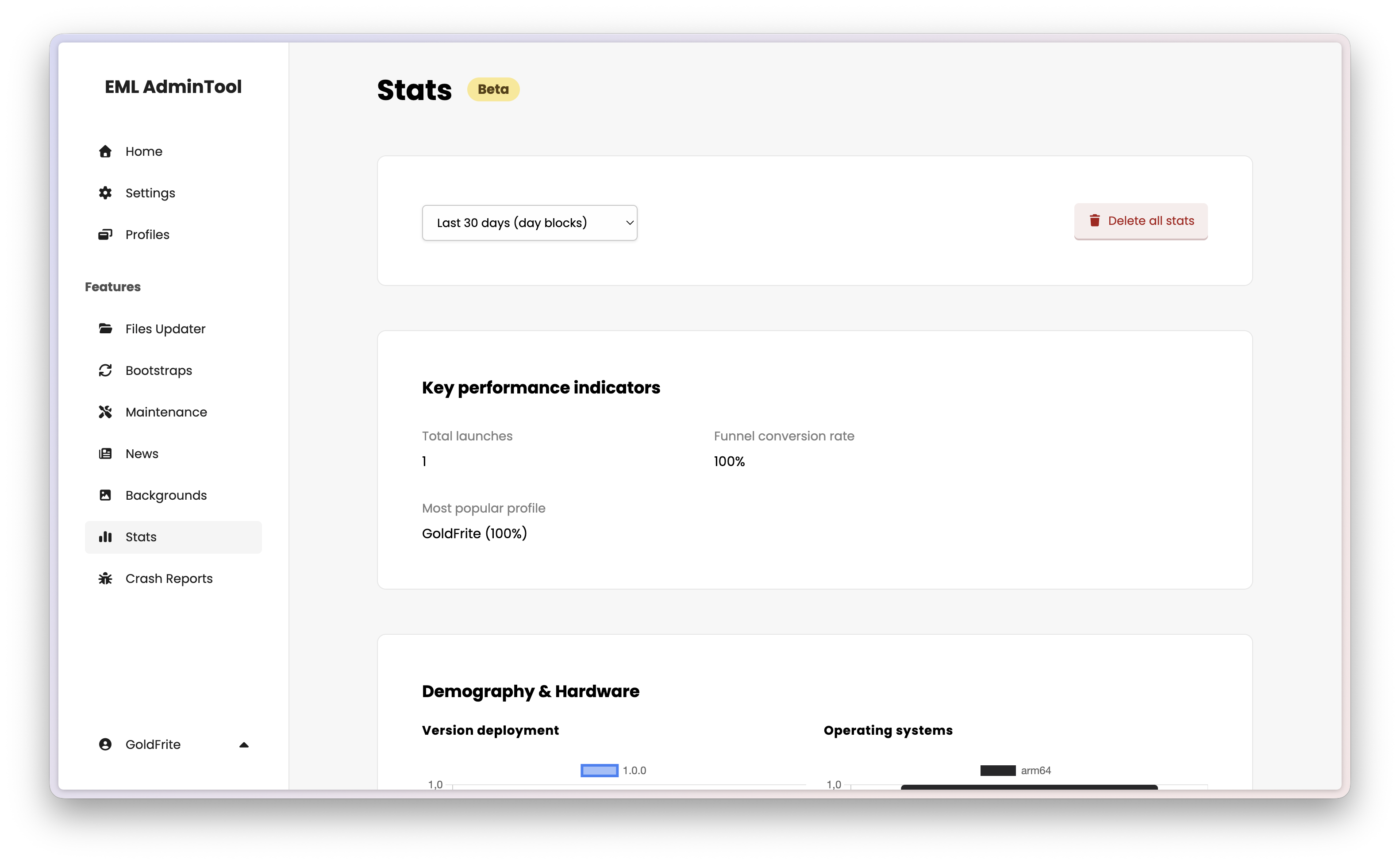
The Stats page provides insights into player behavior and launcher usage. You can view detailed analytics and reports to better understand your community.
Note
The Stats feature is compliant with the European Union’s General Data Protection Regulation (GDPR). All data collected is anonymized and does not include personally identifiable information (PII) such as IP addresses or usernames.
See Stats in the EML Lib API Reference for more details.
Action bar
The action bar at the top of the page allows you to select a period of time for which you want to view statistics. Allowed users can also reset the statistics data to start fresh.
Key performance indicators (KPIs)
The KPIs section displays the total number of launches, the conversion rate of your funnel and the most popular profile. This helps you understand if players are actually launching the game after opening the program.
Demography & hardware
This section displays two graphs illustrating the distribution of the launcher versions over time, and the distribution of operating systems (Windows, macOS, Linux) and architectures used by your users.
Minecraft ecosystem
This section displays the popularity of your profiles and the distribution of account types (Microsoft, Yggdrasil, AzAuth, etc.).
Dedicated resources
This section displays the average and standard deviation of allocated memory over time, helping you adjust default settings for your players.