Backgrounds
The Backgrounds page lets you upload an image that is used as the background of the launcher. The currently active background is fetched by EML Lib and applied by the launcher at startup.
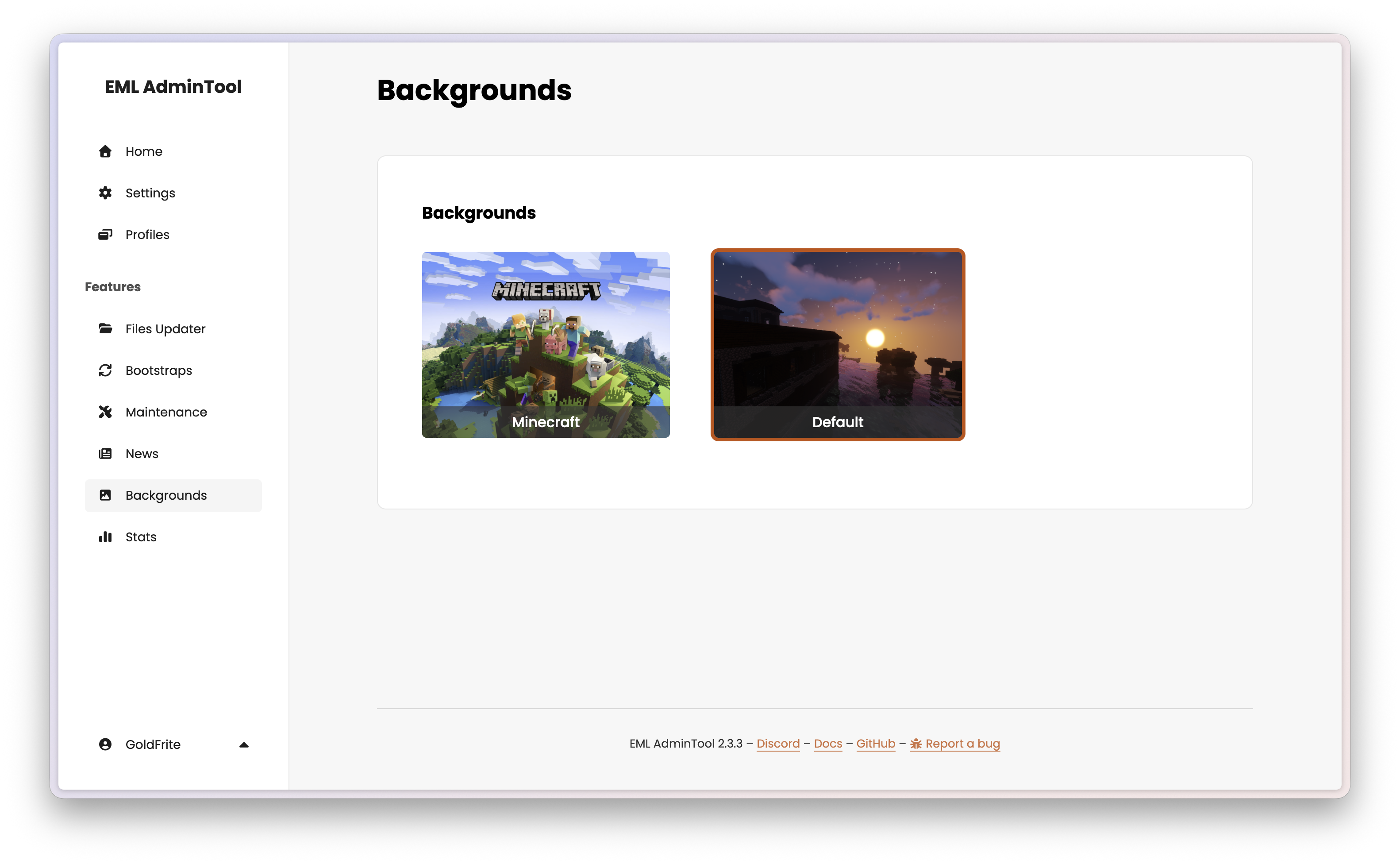
See Background in the EML Lib API Reference for more details.
Uploading a background
Click the upload button and select an image file from your computer.
For best results, use a high-resolution image (at least 1920×1080) in JPEG or PNG format. The launcher is responsible for scaling or cropping the image to fit the window; plan your composition accordingly.
Enabling a background
Hover over the uploaded background and click the enable button to set it as the active background. The change takes effect immediately — players will see the new background the next time they start the launcher.
Removing the background
Click the trash button to delete the current background. The AdminTool will then return no background, and the launcher should fall back to its built-in default.