News
The News page lets you publish articles that are displayed in the launcher’s news feed. Players see these articles on the launcher home screen. Typical uses include patch notes, event announcements, and server maintenance notices.
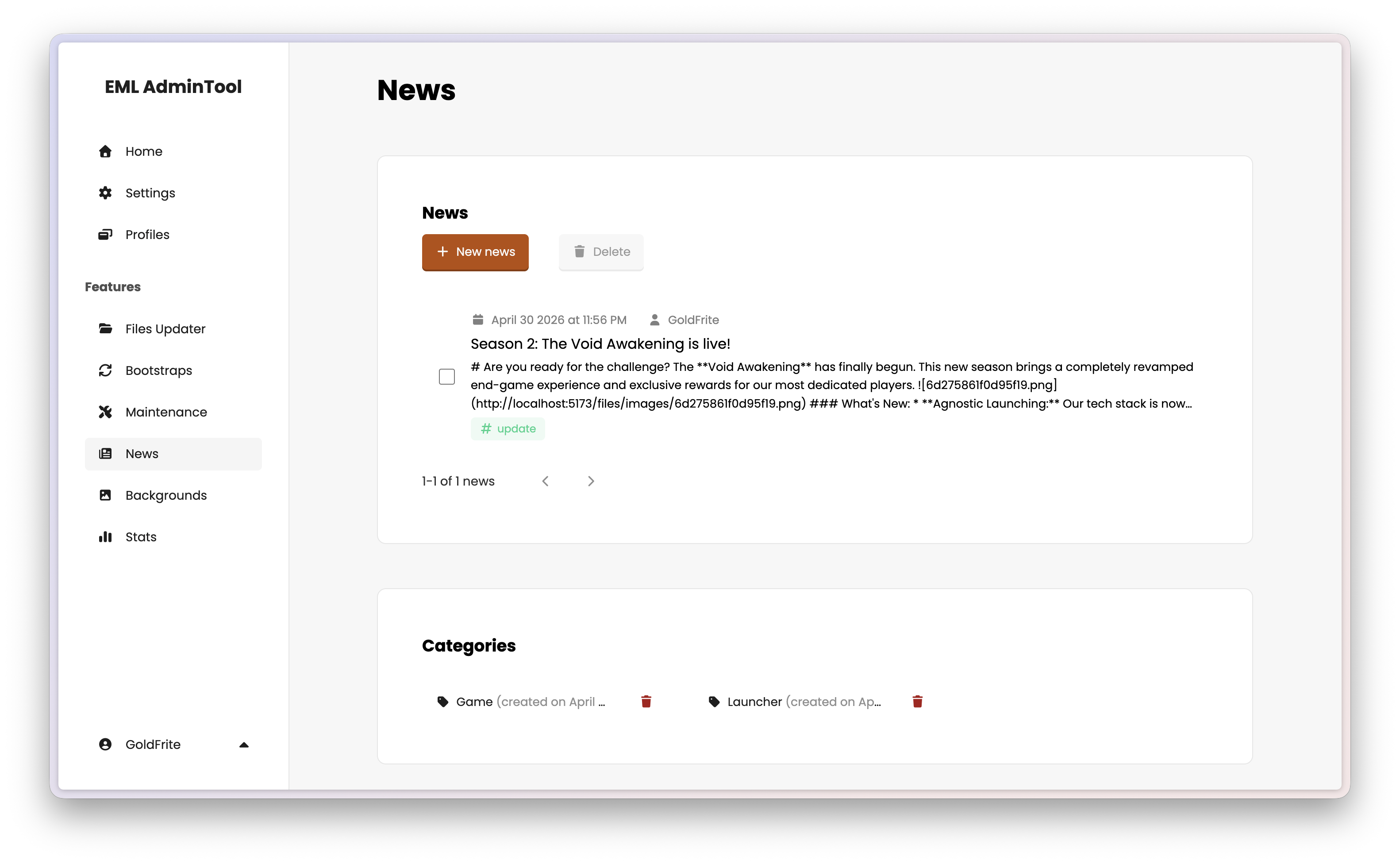
See News in the EML Lib API Reference for more details.
News
Creating a news article
Click “New news”. Fill in the following fields:
Title — The article headline displayed in the launcher.
Content — The body of the article. Basic formatting is supported.
Category — Assign the article to a category (see below). Optional but recommended for organization.
Tags — Add one or more tags to the article. Optional.
Click Save to publish immediately. There is no draft state — saved articles are visible to players straight away.
Editing an article
Click any article in the list to open it, then click the edit button to modify its content. Changes are published immediately on save.
Deleting articles
Select one or more articles and click the trash button at the top of the list to delete them permanently. This action is irreversible.
Categories and tags
Categories group articles by type (e.g. Launcher, Game, etc.). Create and manage them via the Categories tab. Each article can belong to one category.
Tags provide finer-grained filtering within categories. Create them via the Tags tab. Each article can have zero, one or multiple tags.