Maintenance
The Maintenance page lets you temporarily block access to the launcher for all players — for example, during a server migration, a modpack update that requires a clean install, or scheduled downtime.
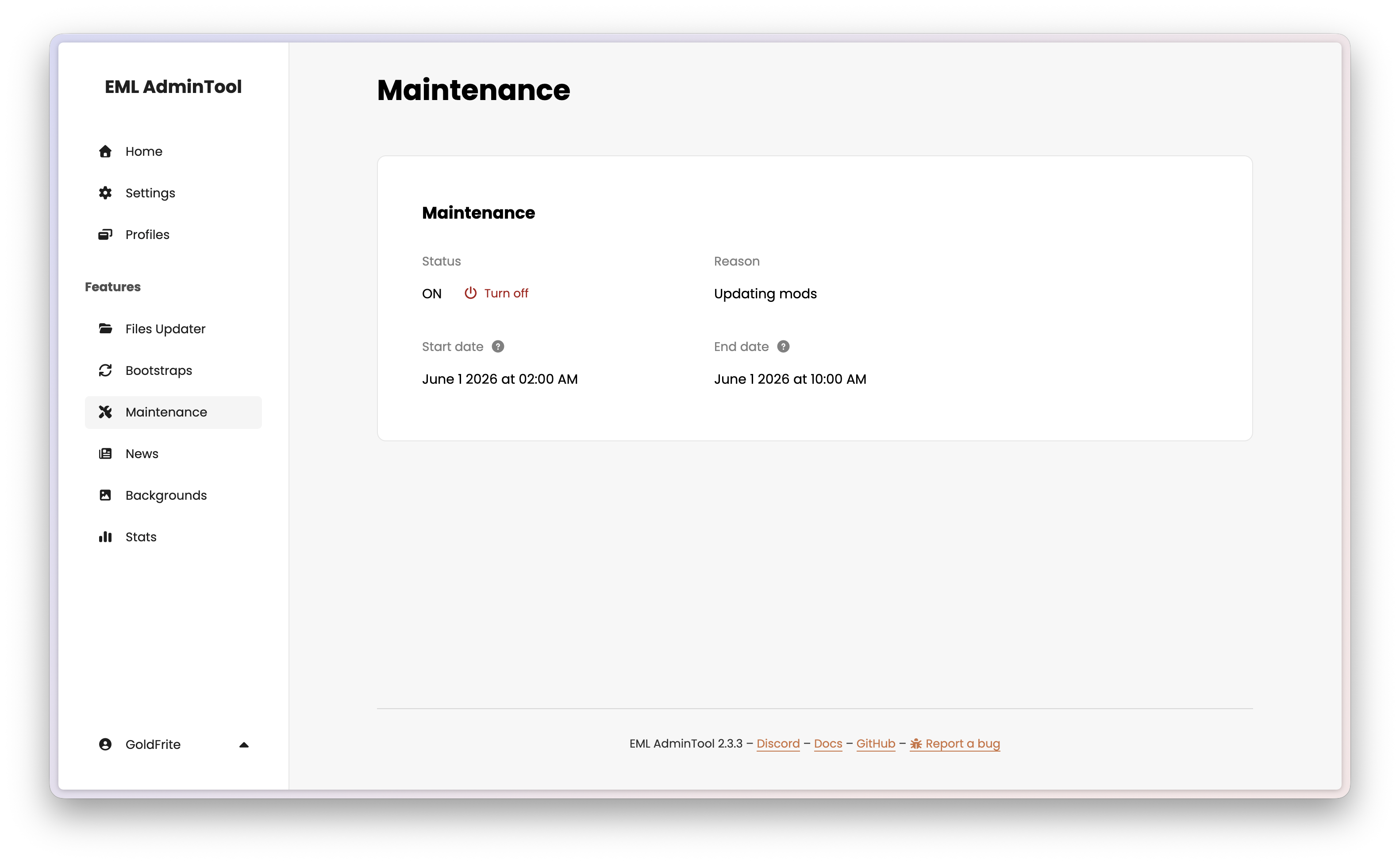
When maintenance is active, EML Lib detects the status on startup and it is your launcher’s responsibility to display the maintenance screen and prevent the game from launching. See Maintenance in the EML Lib API Reference for more details.
Enabling maintenance
Toggle the maintenance switch to On. You will be prompted to enter start date, and end date and a message that explains the reason for the downtime. This message is returned by the EML Lib API and can be displayed in the launcher’s maintenance screen.
You can also set a list of players’ pseudos who are allowed to bypass maintenance mode.
Warning
Maintenance mode is not a security measure. It only displays a maintenance screen, but players can still bypass it easily. Allowed pseudos are only used as an indication to the launcher that these players should be allowed to launch the game. You should always use proper server-side authentication and authorization to protect your game files and server access. You can add allowed pseudos to let certain players bypass maintenance mode, for example to let your moderators or testers access the server while it is down for everyone else.
Note
The end date is only used for informational purposes in the message returned by the API. The maintenance state is not automatically disabled when the end date is reached — you must disable it manually when your maintenance is complete.
Disabling maintenance
Toggle the switch back to Off. Players can launch the game normally on their next startup.
Note
Players who already have the launcher running will not be affected in real time. The maintenance state is only checked on startup or when the launcher explicitly polls the AdminTool.