Account settings
The Account settings page allows every user (administrators and standard users) to manage their personal profile, update their credentials, and review their assigned permissions.
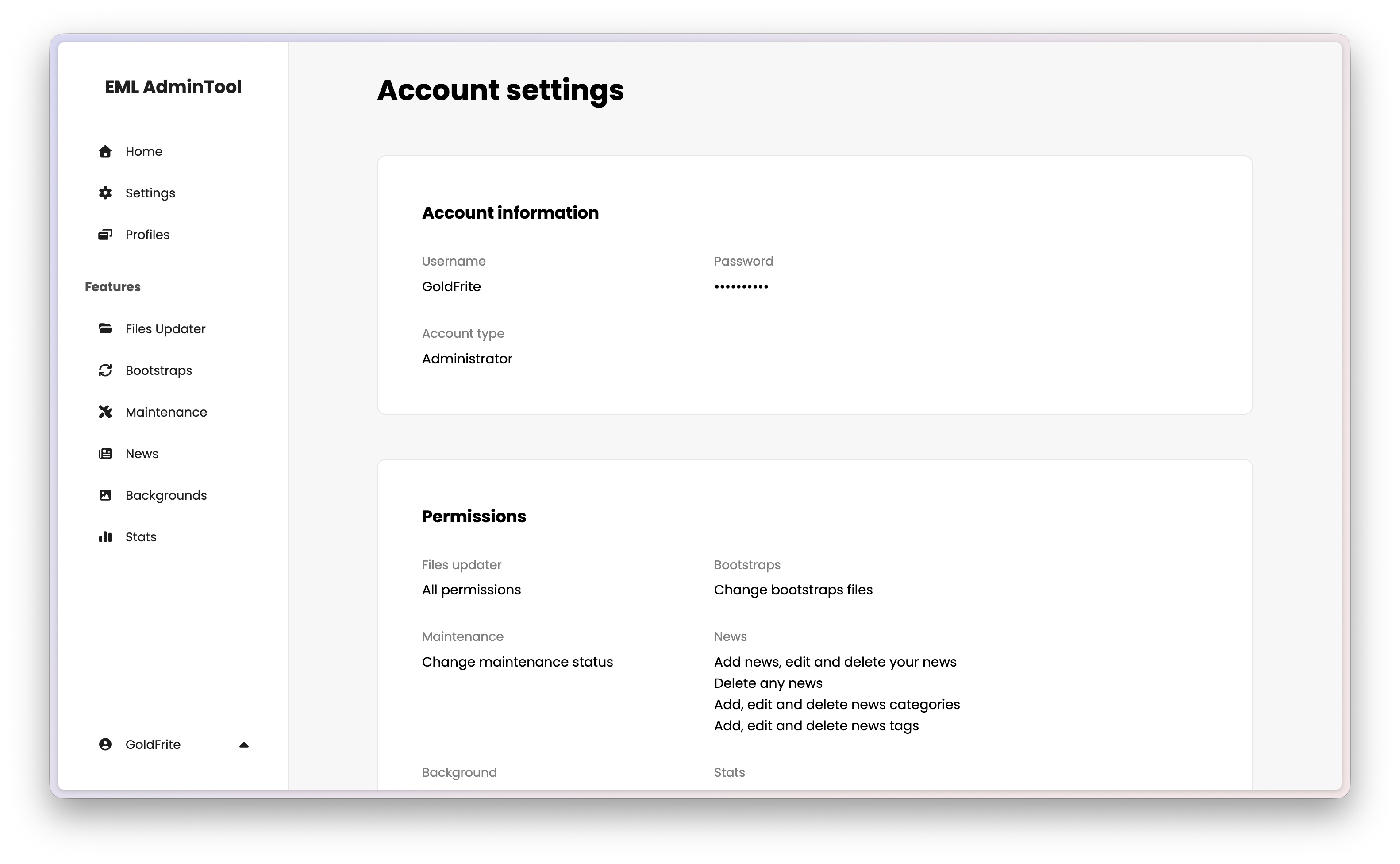
Account information
The top section displays your current profile details. To edit them, hover over the section and click the edit button.
Username — Your display name on the EML AdminTool.
Password — Hidden for security reasons.
Account type — Indicates if you are the Administrator or a Standard user.
Permissions
This section is read-only. It displays the list of features you are allowed to access and manage.
These permissions are assigned by the administrator when your account is approved. If you need access to a specific feature (like Files Updater or News management) but do not see it listed here, you must contact the administrator to update your rights.
Danger zone
Delete account - This button allows you to permanently delete your own account.
Caution
This action is irreversible. You will lose access to the EML AdminTool immediately. If you wish to return, you will need to register again and wait for administrator approval.
Note
The Administrator cannot delete their own account from here. To reset the main account, a full factory reset of the EML AdminTool is required (see General settings).